Start with the two sockets
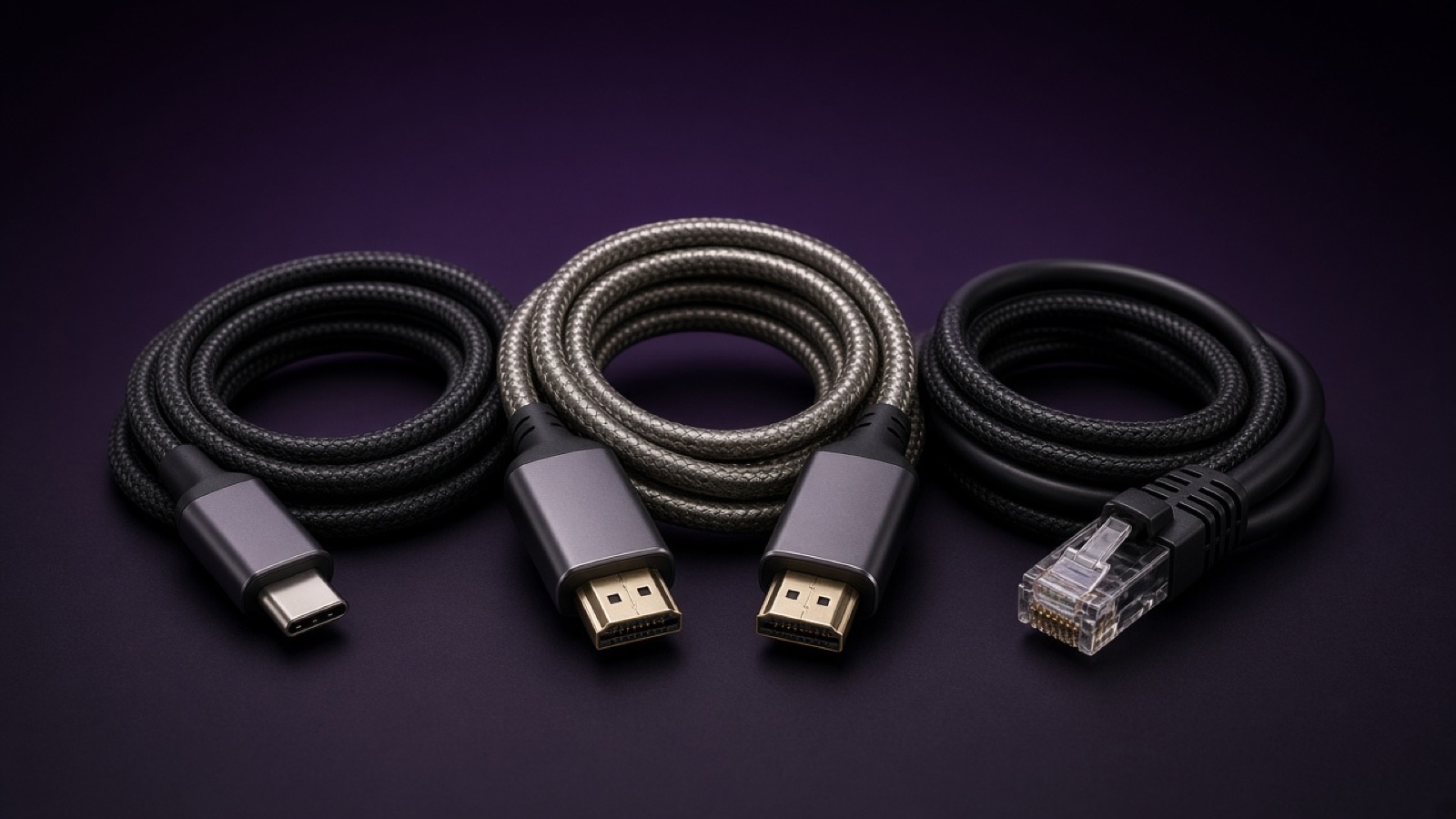
A display lead is chosen from the plug at each end, not from the brand of the laptop or the television. HDMI, DisplayPort and USB-C are different sockets. If both ends are the same, look for a lead that names that pair. If they are different, you need an adaptor or a lead that is made with those two plugs.
Picture leads for a screen or projector are listed in AV Leads. General computer leads are in Leads. A plug that only changes one end is in Adaptors.
A lead is not an adaptor
A lead already has a plug at each end. An adaptor sits on a plug you already have. Buying an adaptor does not help when neither socket matches the lead. Read the product page for the connectors and the length. This article does not name a resolution, a version or a price.
The longer buying guide is Cables, leads and connectors. Mains power for the screen is a different list: Extension Leads & Cable Reels.
Then check the product page
Search once you know the two plugs. The product page is where the connectors, the length and the stock are stated. Stocked items can be returned within 14 days of purchase. A faulty lead is reported within 30 days of receipt and collected. Phone 01206 803 228 or email hello@broadbent.email.